Managed tablets
GCCS uses managed Samsung Galaxy tablets for music, reading, games, and shared media—not direct family calls. Consider screen size, comfortable weight, volume, and simplified settings before choosing a personal device.
 Choose a booking path
Practical resources
Start with the person, the activity, and the setup—not the shopping list. These are consumer communication tools, not medical devices or emergency-response systems.
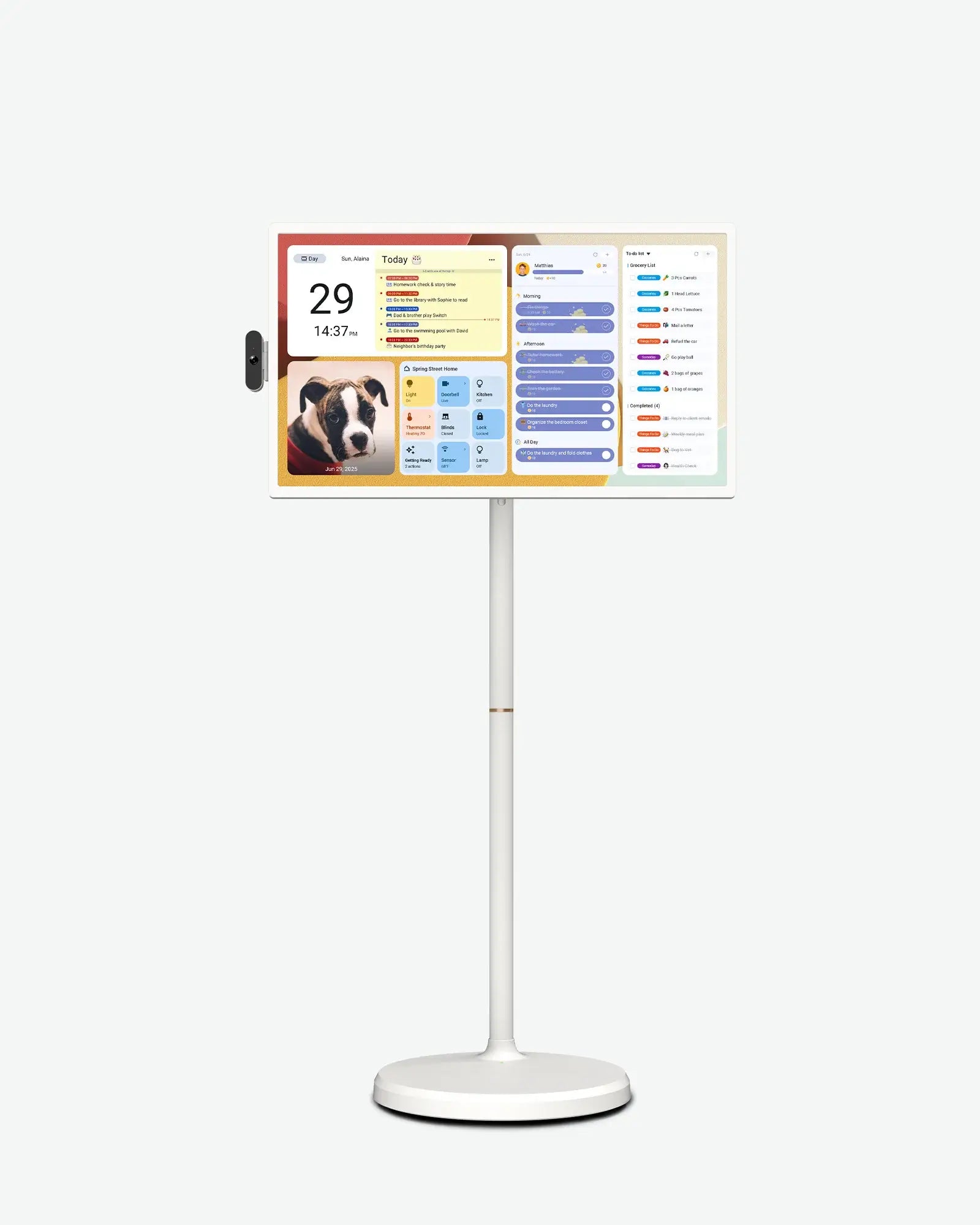
GCCS uses 32-inch ApoloSign displays for supported family video visits and shared activities. A larger screen can make a shared session easier to see.
Check the exact model’s camera and microphone support, app compatibility, internet connection, power needs, stand stability, and comfortable viewing position. GCCS prepares and tests the setup before a visit; a display alone does not guarantee accessible calling.
GCCS earns a commission if you purchase through this ApoloSign affiliate link, at no extra cost to you.
Explore ApoloSign displaysThe link opens the brand’s storefront, not a specific model. Check current specifications and pricing with the seller.
GCCS uses managed Samsung Galaxy tablets for music, reading, games, and shared media—not direct family calls. Consider screen size, comfortable weight, volume, and simplified settings before choosing a personal device.
Hands-free stands, protective cases, styluses, and audio accessories can help with positioning and everyday use. Confirm device fit, mounting stability, charging access, and the person’s preferences. No single accessory suits everyone.
GCCS can discuss technology support and current availability without requiring an equipment purchase.